
01↗
 2D · TOP
ISO 53 · ISO 54
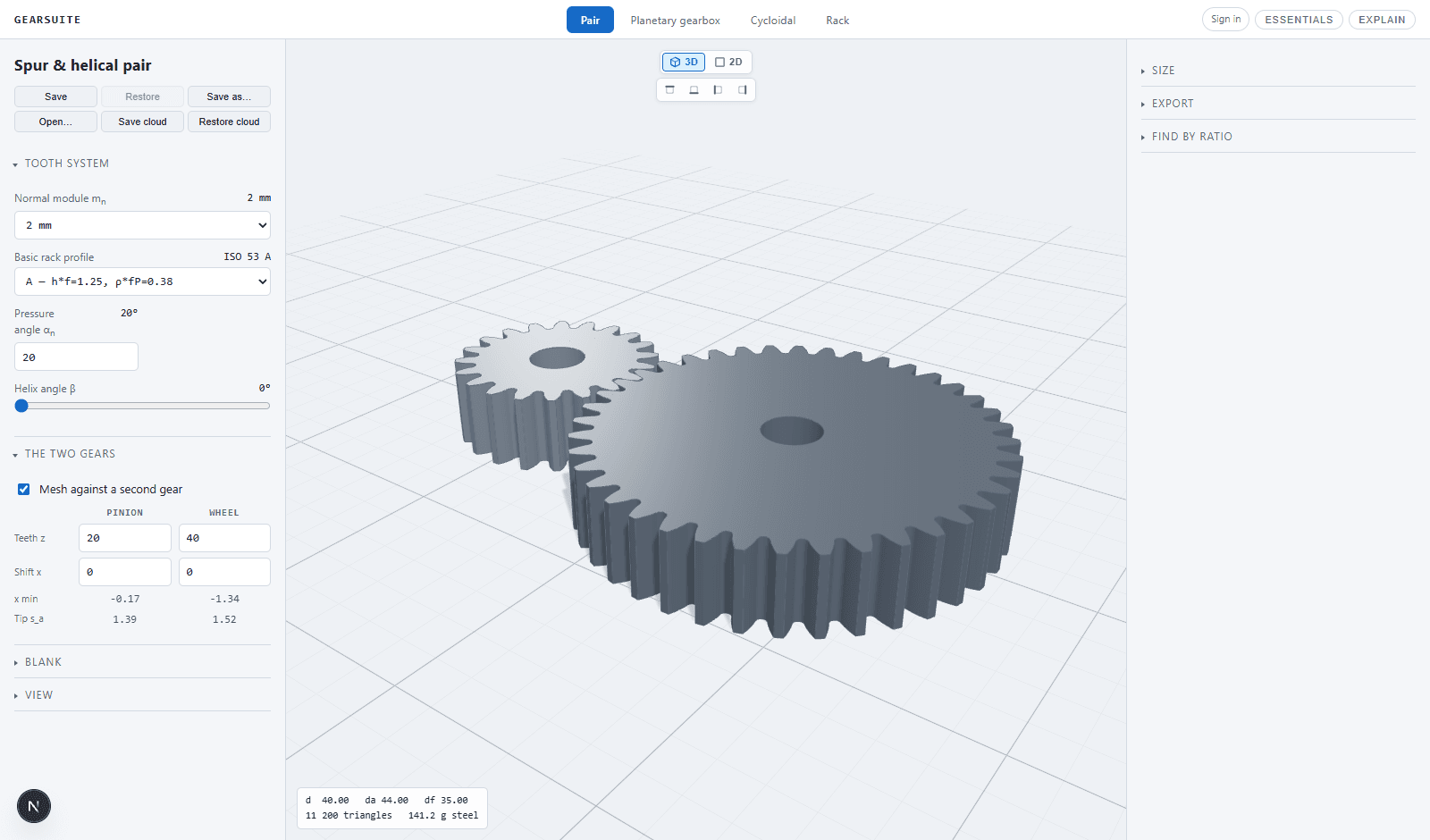
Spur & helical pairs
Build true involute tooth profiles, inspect the mesh and tune module, pressure angle, helix and profile shift.
Explore generator →PARAMETRIC DRIVE DESIGNBuilt for real parts
Design gears and compact transmissions in the browser. Calculate, inspect and export production geometry in one focused engineering workspace.
ONE ENGINEERING SUITEFour focused workspaces
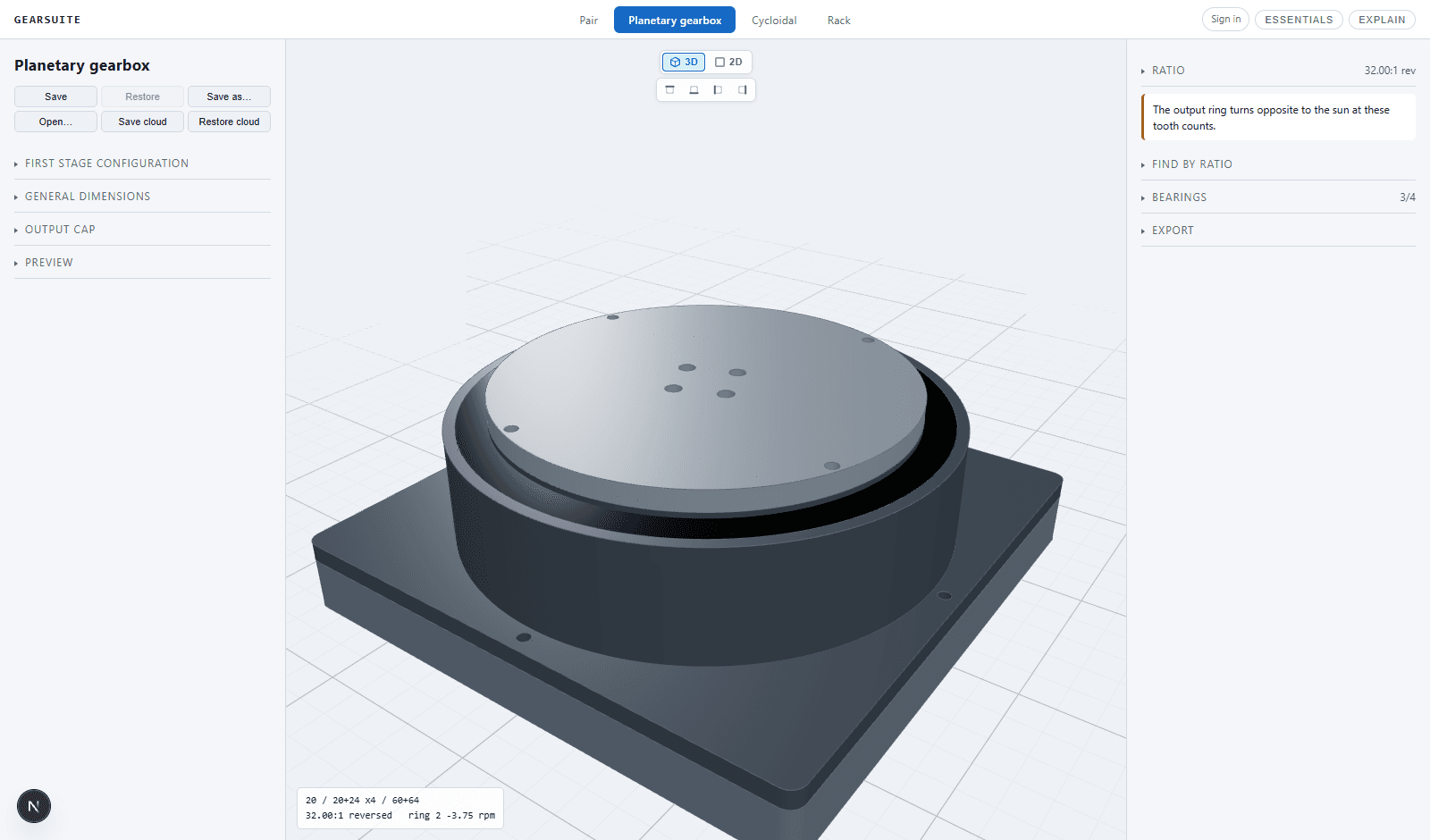
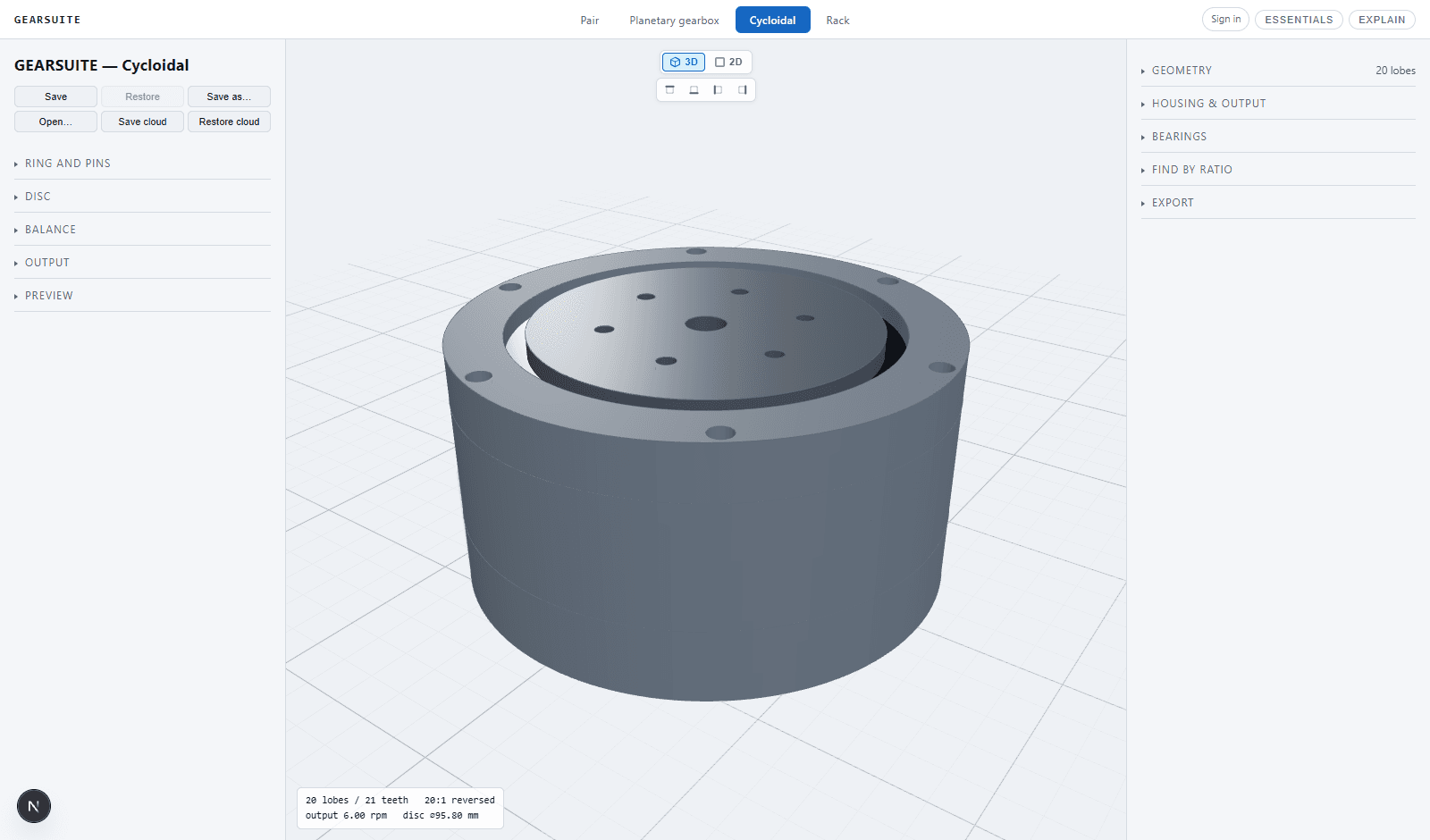
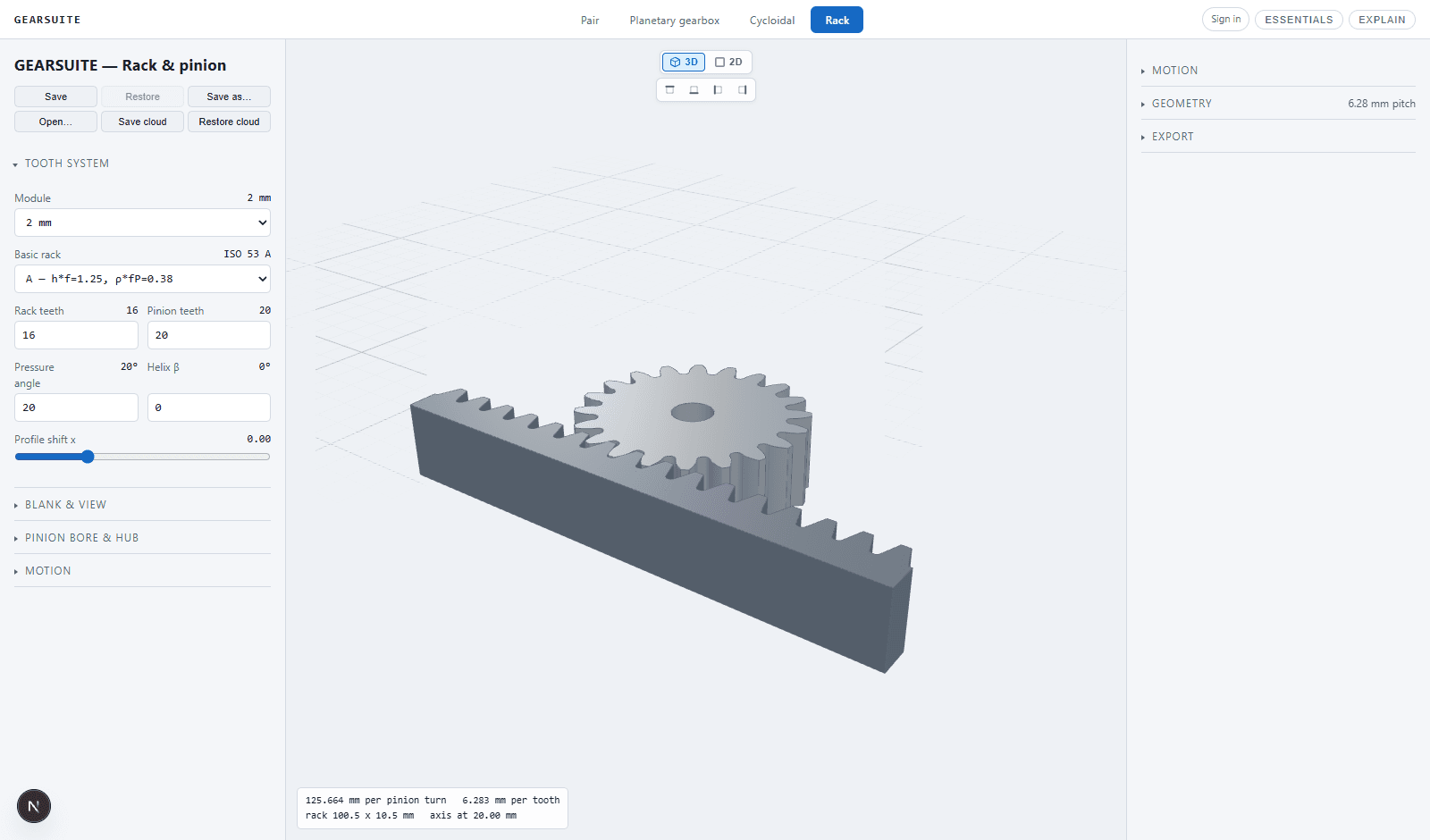
Each workspace gives you only the controls that matter for that mechanism, backed by the same geometry, validation and export pipeline.
2D · TOPISO 53 · ISO 54
 2D · TOP
ASSEMBLY READY
 2D · TOP
EXPLODED VIEW
 2D · TOP
LINEAR MOTION
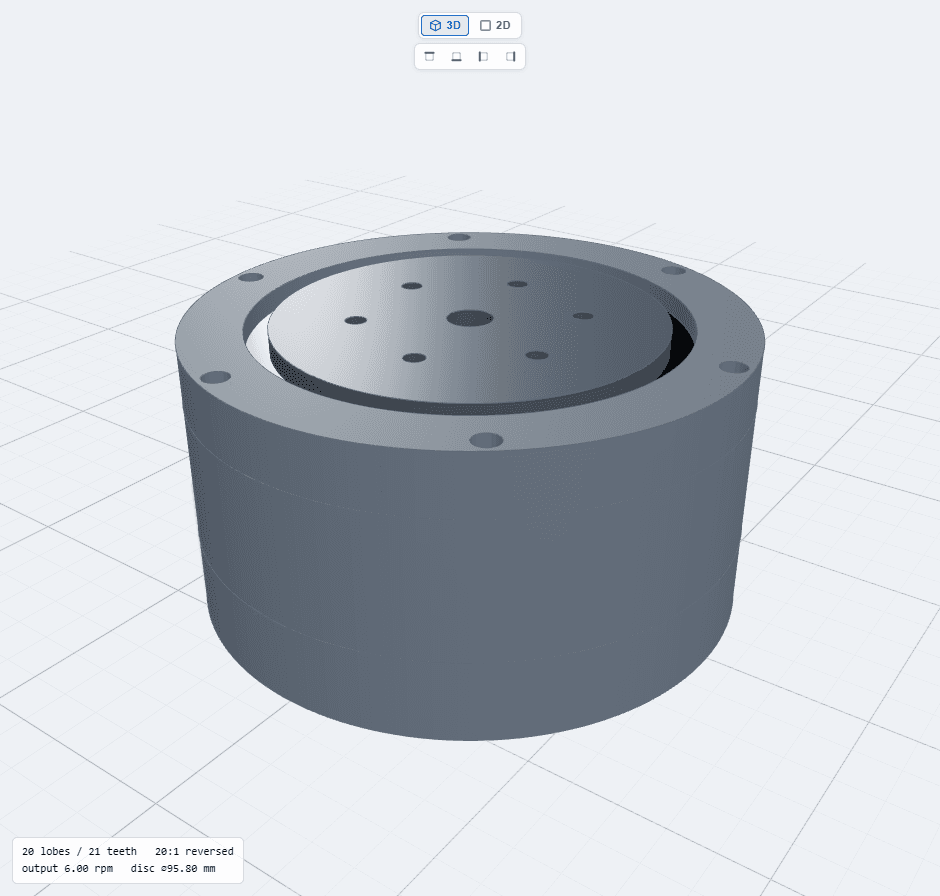
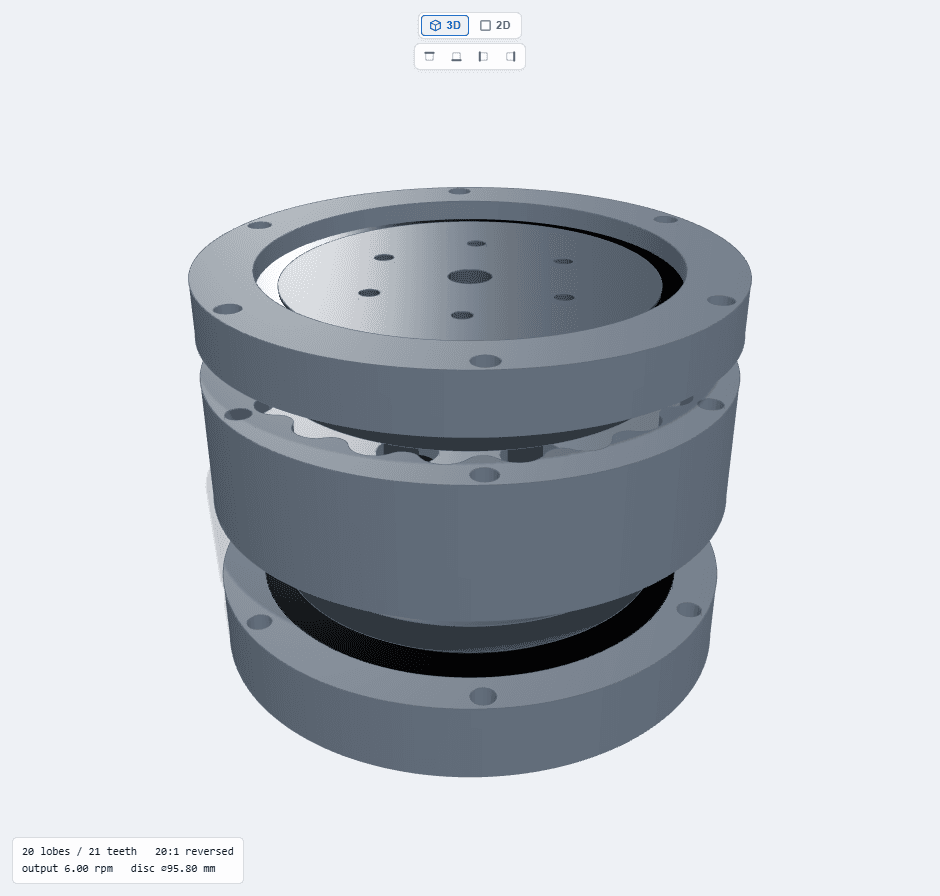
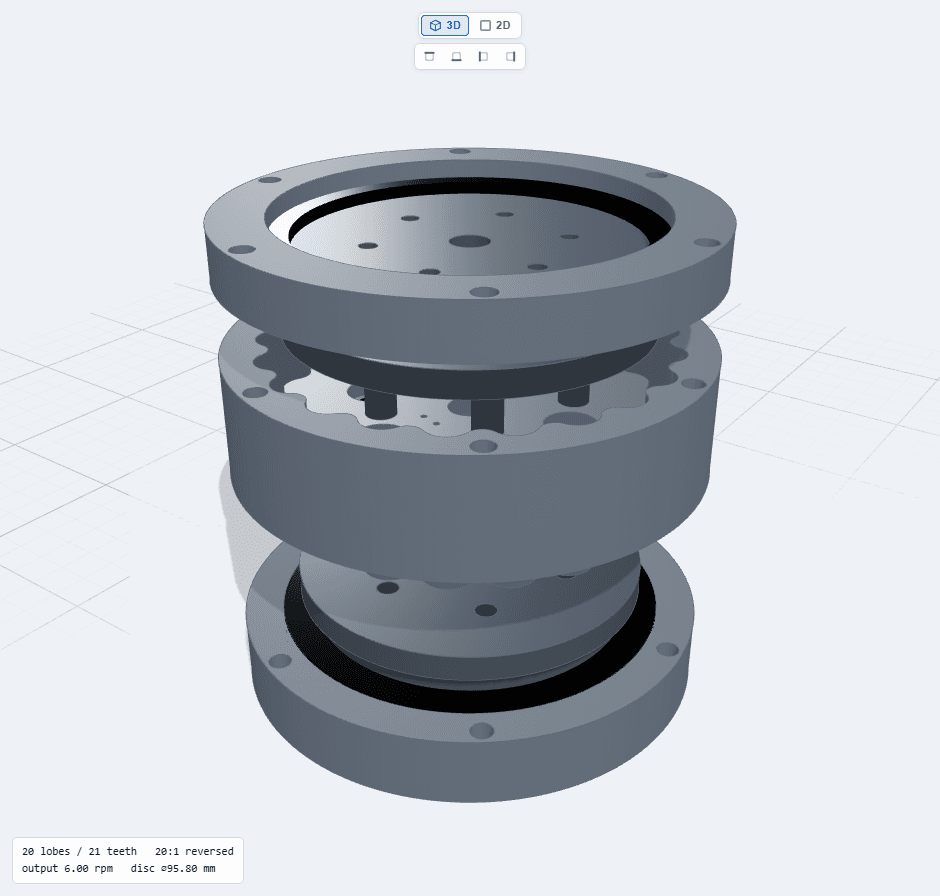
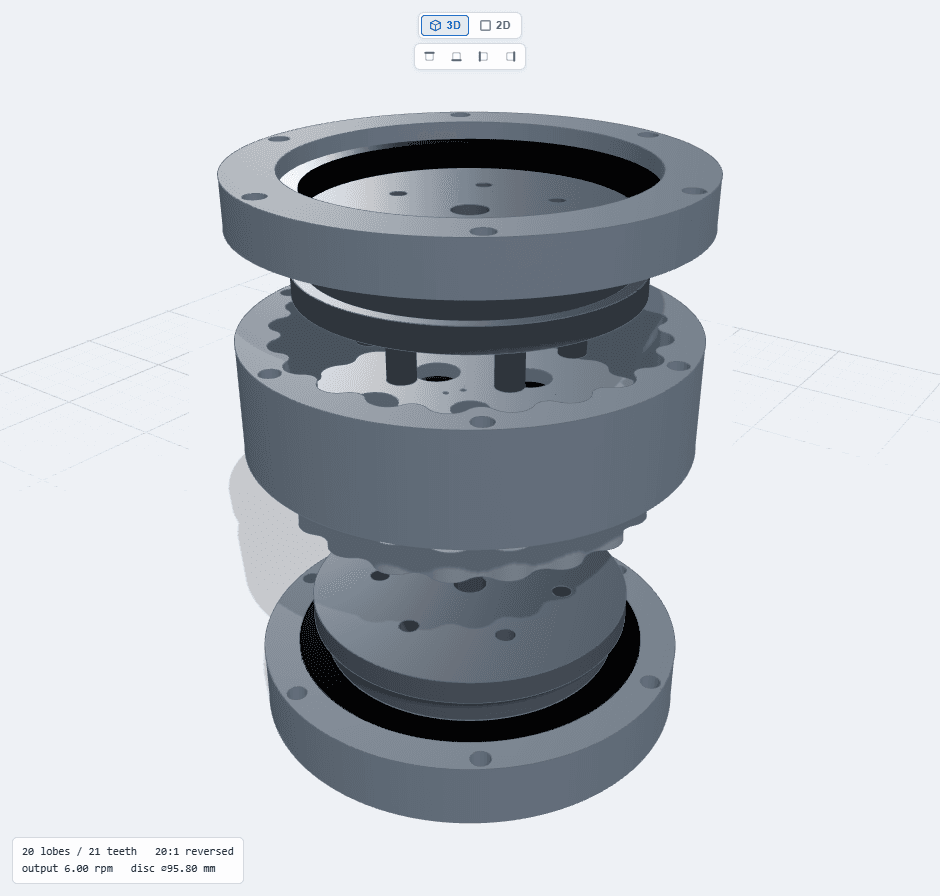
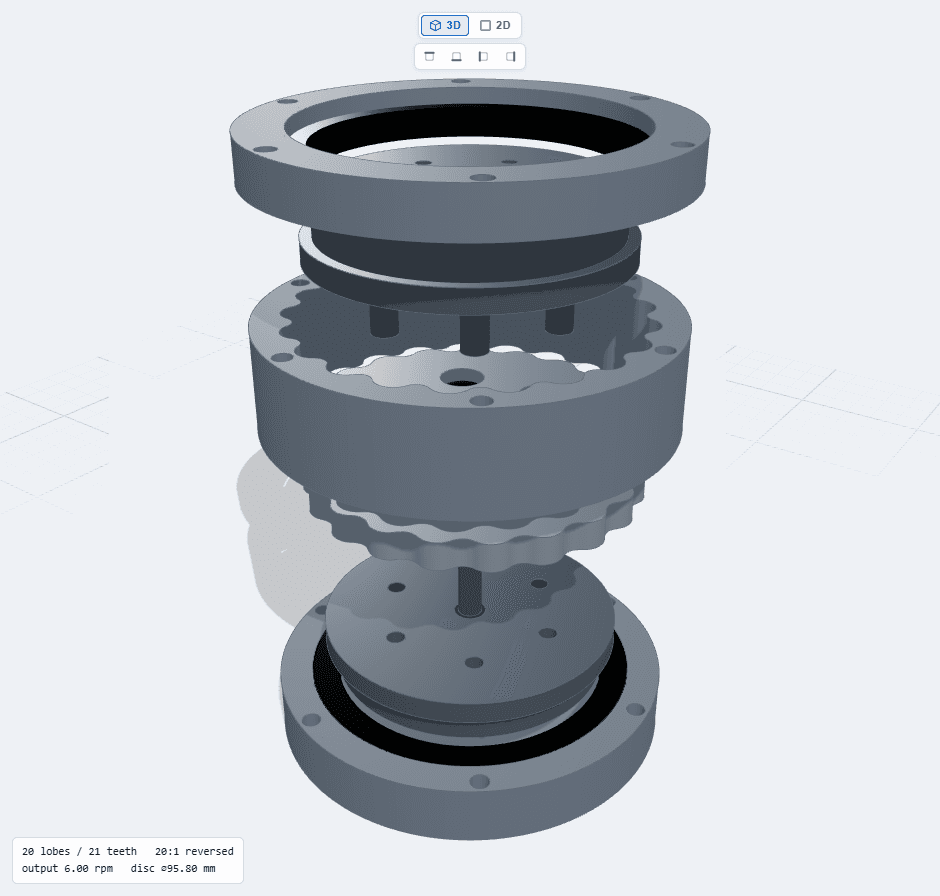
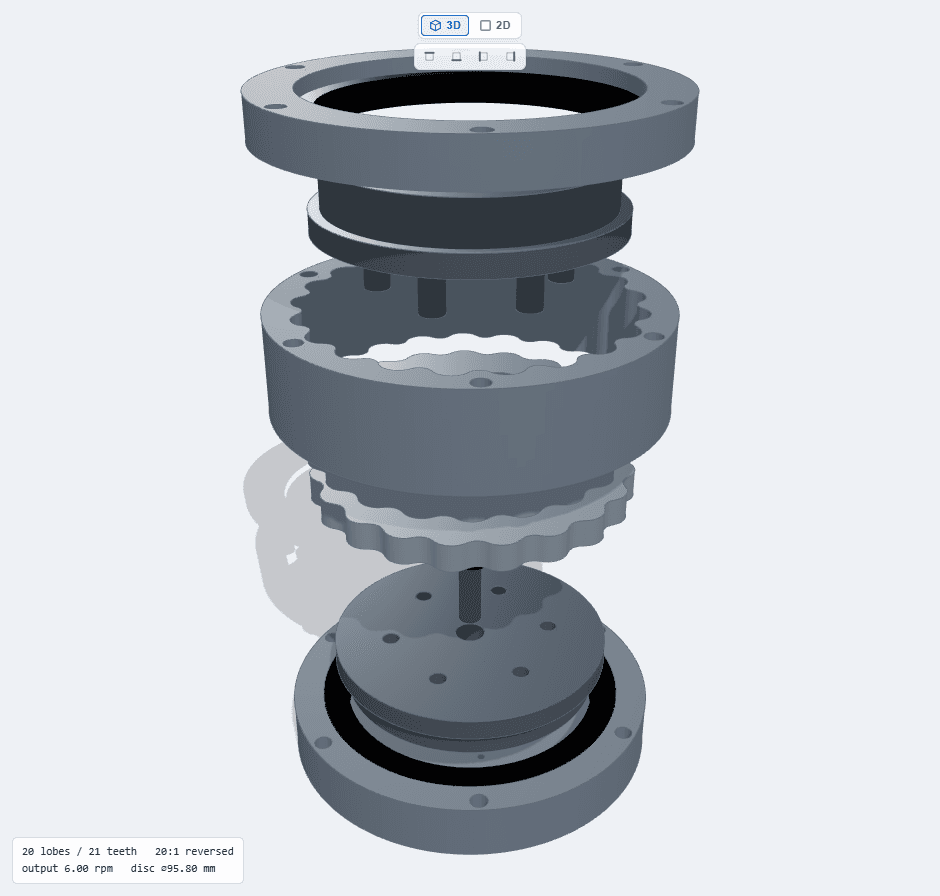
SEE THE WHOLE MACHINEBefore you make it
GearSuite keeps dimensions, geometry and engineering feedback in the same view, so every change has an immediate, readable consequence.
ENGINEERING, NOT A TOYUseful detail by default
Geometry is only useful when it fits the rest of the machine. GearSuite connects tooth design, shafts, bearings, housings and files into one continuous model.
Involute flanks, trochoidal roots and manufacturable solids — not decorative approximations.
Orbit, isolate parts and switch between perspective, orthographic and exploded views while dimensions change.
Constraints are evaluated as you work, with direct explanations when a configuration cannot be built.
Download STL for mesh workflows, DXF for 2D reference and STEP solids through the protected CAD service.
Match real rolling bearings to shafts and housings, with fit and seat guidance built into the workflow.
Keep named designs in your account, reopen them from any device and continue from the exact configuration.
START YOUR WAYUpgrade only when it helps
No credit card is required to explore GearSuite. A free account can print a part. Paid plans unlock a complete gearbox.
Enough to try a pair or rack. Not enough to export a full planetary or cycloidal box.
The full mechanism library, with a monthly STEP allowance.
For shops that export CAD every day.
Sporadic work? Buy STEP credits from €2 + VAT per zip — unlimited purchases, any topology.
Yes. On the sign-in page, choose “Continue as guest”. You can inspect every mechanism in the browser. Manufacturing exports need at least a free account, and complete gearboxes need a paid plan or a one-off STEP credit.
Guest mode does not download STL, DXF or STEP. A free account can export one pair or rack STL zip per month, plus DXF on pairs. STEP needs Light, Pro, or a one-off STEP credit. Light unlocks planetary and cycloidal manufacturing files with 10 STEP zip exports per month. Pro removes the monthly STEP ceiling. You can also buy STEP zip credits any time (€2 + VAT per zip) without changing plan.
GearSuite specialises in drive geometry and configuration. Use its exported solids as finished parts or continue detailing them in your usual CAD system.
Interactive geometry and most calculations run in the browser. Operations requiring the native CAD kernel are handled by the GearSuite backend.
YOUR NEXT MECHANISM STARTS HERE


